.png?width=160&height=46&name=FMC%20logo%20(6).png "FMC logo")
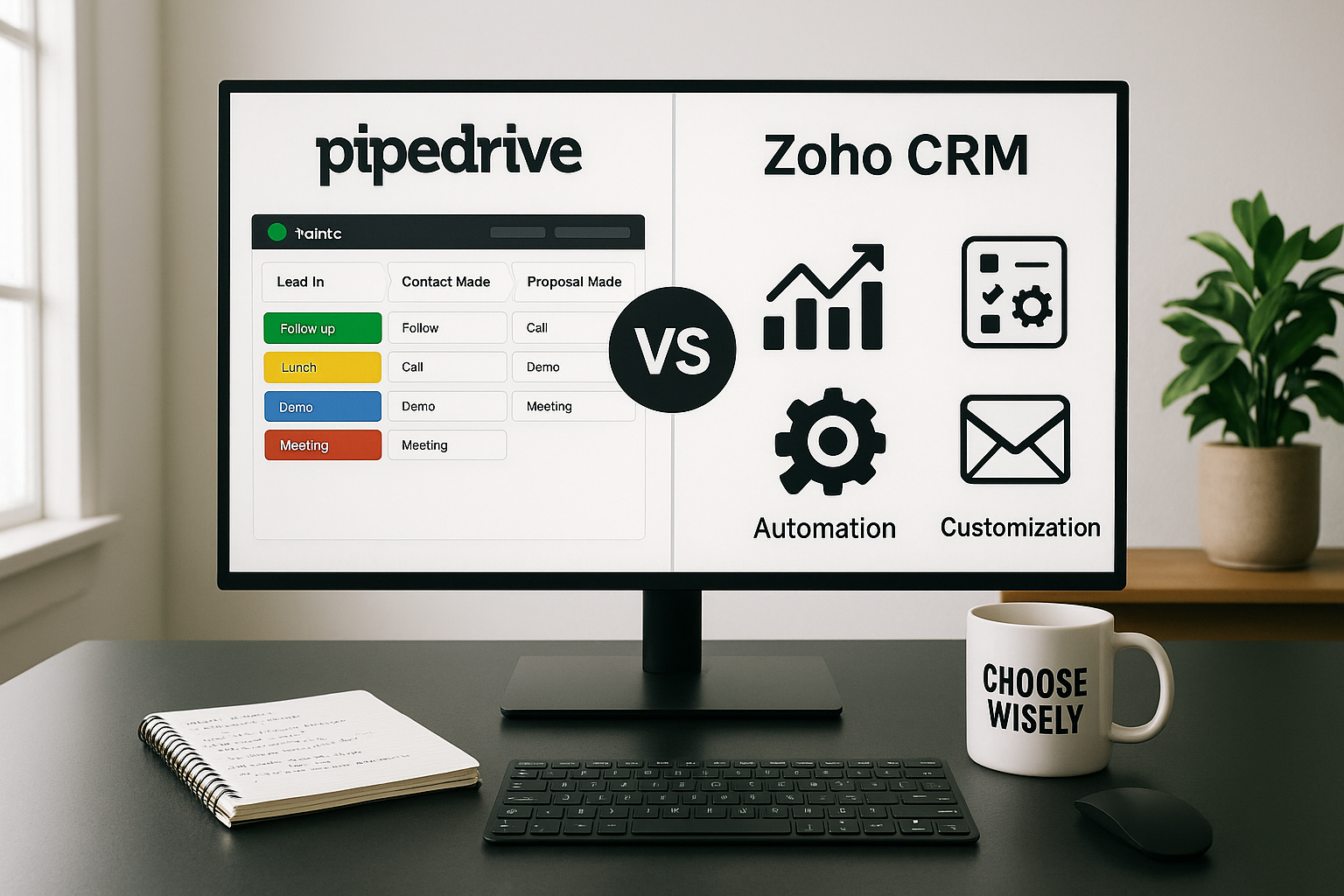

Choosing the right CRM can transform how your sales team operates. This detailed comparison breaks down the key differences between Pipedrive and Zoho CRM to help you make an informed decision.
Overview
Pipedrive is a sales-focused CRM built around visual pipeline management. It's designed specifically for sales teams that want a straightforward, intuitive tool to track deals and manage their sales process.
Zoho CRM is a comprehensive customer relationship management platform that offers extensive features beyond sales, including marketing automation, customer support, and analytics. It's part of the larger Zoho ecosystem of business applications.
Core Strengths

Pipedrive Excels At:
- Visual, drag-and-drop pipeline management
- Simplicity and ease of use
- Quick setup and onboarding
- Sales-specific functionality
- Mobile app experience
Zoho CRM Excels At:
- Feature breadth and customization
- Value for money (lower pricing tiers)
- Integration with Zoho ecosystem
- Marketing automation capabilities
- Advanced analytics and AI features
Pricing Comparison

Pipedrive Pricing (per user/month, billed annually):
- Essential: $14 - Basic pipeline management
- Advanced: $29 - Email integration, automation
- Professional: $59 - Revenue forecasting, reports
- Power: $69 - Projects, phone support
- Enterprise: $99 - Enhanced security, support
Zoho CRM Pricing (per user/month, billed annually):
- Free: $0 - Up to 3 users, basic features
- Standard: $14 - Sales automation, customization
- Professional: $23 - Inventory management, advanced customization
- Enterprise: $40 - Advanced analytics, multi-user portals
- Ultimate: $52 - Enhanced storage, features
Winner: Zoho CRM offers more features at lower price points and includes a free tier for small teams.
User Interface & Ease of Use
Pipedrive features a clean, intuitive interface centered around its visual pipeline. The drag-and-drop functionality makes it easy to move deals through stages. New users can typically start using Pipedrive productively within hours.
Zoho CRM has a more complex interface due to its extensive feature set. While it's improved significantly over the years, the learning curve is steeper. The interface can feel cluttered for users who don't need all the available features.
Winner: Pipedrive for simplicity and immediate usability.
Pipeline Management
Pipedrive was built around pipeline management. Its visual pipeline view is highly intuitive, allowing teams to see all deals at a glance. You can create multiple pipelines for different products or sales processes, and customization is straightforward.
Zoho CRM offers pipeline management but it's not as visually emphasized. The Kanban view provides similar functionality, but it feels more like an added feature rather than the core of the system.
Winner: Pipedrive delivers a superior pipeline management experience.
Customization & Flexibility
Pipedrive offers good customization options for fields, stages, and workflows. However, it's intentionally designed to maintain simplicity, so customization has some limits compared to more complex systems.
Zoho CRM provides extensive customization capabilities. You can create custom modules, fields, layouts, and workflows. The Canvas feature allows complete redesign of the interface. For businesses with unique processes, Zoho offers much more flexibility.
Winner: Zoho CRM for businesses needing deep customization.
Automation Capabilities
Pipedrive includes workflow automation that handles common sales tasks: sending emails, creating activities, moving deals, and updating fields. The automation builder is user-friendly and covers most sales automation needs.
Zoho CRM offers more sophisticated automation through workflow rules, blueprints, and macros. It can automate complex, multi-step processes across different modules. The AI assistant Zia can suggest automation opportunities.
Winner: Zoho CRM for advanced automation needs.
Email Integration
Pipedrive provides excellent email integration with two-way sync, email templates, tracking, and scheduling. The Smart Email BCC feature automatically links emails to the right contacts and deals.
Zoho CRM also offers strong email capabilities including integration with major email providers, templates, mass emails, and tracking. The SalesInbox feature organizes emails by context.
Winner: Tie - both offer robust email functionality suited to different workflows.
Reporting & Analytics
Pipedrive includes visual reports and dashboards focused on sales metrics. The Insights feature provides forecasting and goal tracking. Reports are easy to create and understand but somewhat limited in depth.
Zoho CRM delivers advanced analytics with customizable reports, dashboards, and the Zia AI analyst. The analytics module can handle complex, multi-dimensional reporting. Enterprise plans include advanced BI tools.
Winner: Zoho CRM for businesses requiring sophisticated analytics.
Mobile Experience
Pipedrive offers an excellent mobile app that maintains the simplicity of the desktop version. Sales reps can easily update deals, log activities, and communicate on the go.
Zoho CRM provides a capable mobile app with extensive features, though the complexity can make it less intuitive than Pipedrive's mobile experience.
Winner: Pipedrive for mobile usability.
Integrations
Pipedrive integrates with 400+ applications through its marketplace, including major tools like Google Workspace, Microsoft 365, Slack, and Zoom. The API allows custom integrations.
Zoho CRM integrates seamlessly with the entire Zoho ecosystem (40+ apps) and connects to 800+ third-party applications. The integration depth with other Zoho products is a significant advantage if you use multiple Zoho tools.
Winner: Zoho CRM for integration breadth, especially within the Zoho ecosystem.
Customer Support
Pipedrive offers email and chat support on all plans, with phone support available on higher tiers. The knowledge base is comprehensive, and community support is active.
Zoho CRM provides 24/5 support on paid plans, with 24/7 support on higher tiers. The support quality can be inconsistent, though the knowledge base and resources are extensive.
Winner: Slight edge to Pipedrive for support quality.
Best Use Cases
Choose Pipedrive If:
- You're primarily focused on sales pipeline management
- You want a tool your team can use immediately without extensive training
- You prefer simplicity over feature breadth
- You're a small to medium-sized sales team
- Mobile selling is important to your process
Choose Zoho CRM If:
- You need a comprehensive business management solution beyond just sales
- You're already using or planning to use other Zoho products
- Budget is a primary concern and you want maximum features per dollar
- You need extensive customization to match complex processes
- You want advanced analytics and AI capabilities
- You're willing to invest time in setup and training
Final Verdict
There's no universal winner between Pipedrive and Zoho CRM because they serve different needs:
Pipedrive is the better choice for sales teams that value simplicity, visual pipeline management, and ease of use. It's ideal for small to medium-sized businesses that want to get up and running quickly without sacrificing powerful sales features.
Zoho CRM is the better choice for businesses seeking a comprehensive, customizable platform with extensive features at competitive prices. It's particularly strong for companies already in the Zoho ecosystem or those with complex, unique business processes.
For most pure sales teams, Pipedrive offers the better experience. For businesses needing an all-in-one solution with broader functionality, Zoho CRM provides exceptional value.
Try Before You Buy
Both platforms offer free trials:
- Pipedrive: 14-day free trial (no credit card required)
- Zoho CRM: Free plan for up to 3 users, or 15-day trial of paid plans
Take advantage of these trials to test both systems with your actual sales data and workflows before making a final decision.

.png)