.png?width=160&height=46&name=FMC%20logo%20(6).png "FMC logo")


Finding the Right Free CRM Without Compromise
Choosing customer relationship management software shouldn't require a massive budget. Today's free CRM platforms offer legitimate functionality that helps growing businesses organize contacts, streamline sales processes, and build stronger customer relationships—all without monthly fees.
This guide examines the most capable free CRM options available in 2026, comparing their features, limitations, and ideal use cases to help you make an informed decision.
Understanding "Free" in the CRM World
Truly Free vs. Free Trials
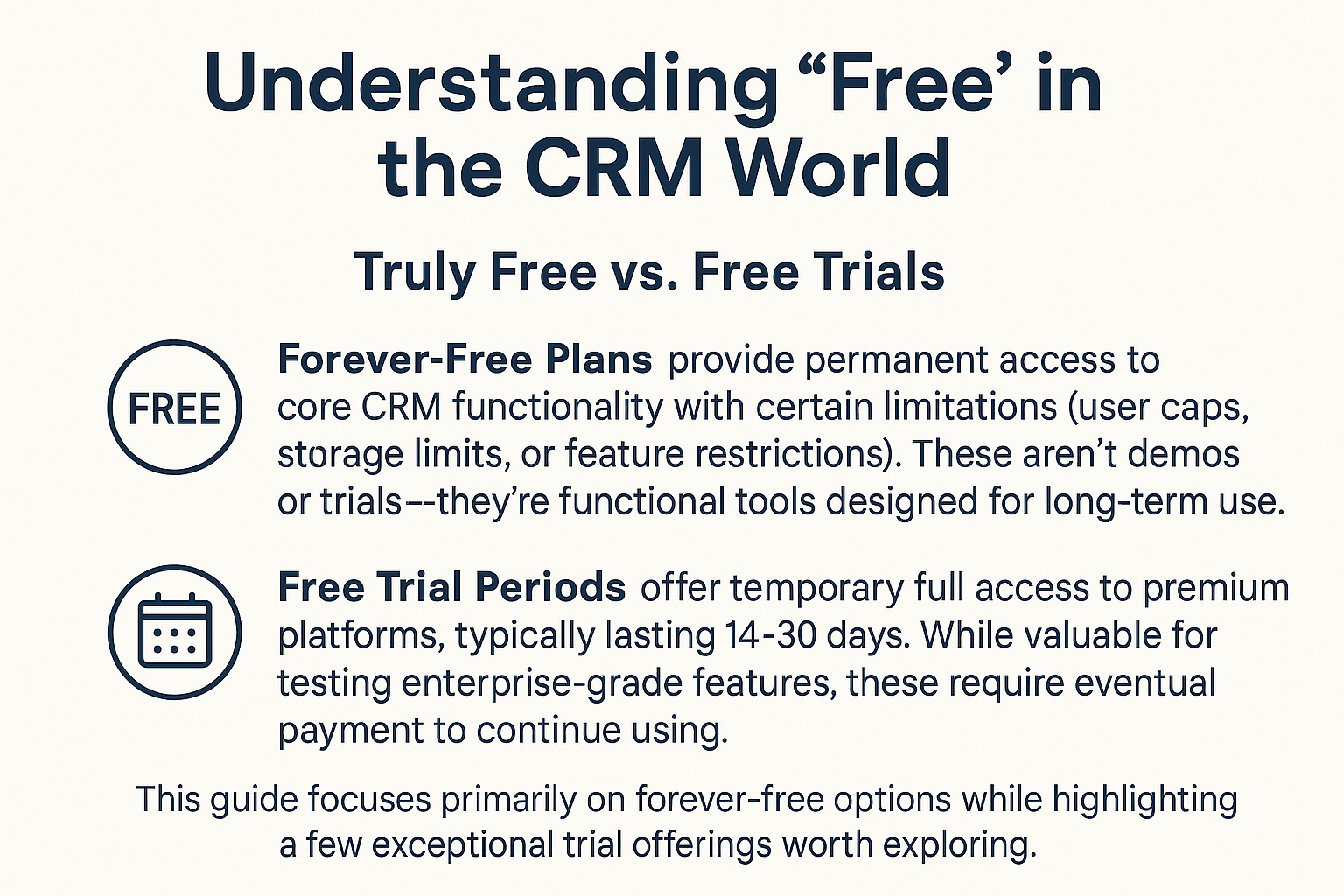
When evaluating free CRM software, you'll encounter two distinct categories:
Forever-Free Plans provide permanent access to core CRM functionality with certain limitations (user caps, storage limits, or feature restrictions). These aren't demos or trials—they're functional tools designed for long-term use.
Free Trial Periods offer temporary full access to premium platforms, typically lasting 14-30 days. While valuable for testing enterprise-grade features, these require eventual payment to continue using.
This guide focuses primarily on forever-free options while highlighting a few exceptional trial offerings worth exploring.
What to Expect from Free Plans
Most free CRM tiers include:
- Contact and company record management
- Basic sales pipeline tracking
- Task and activity logging
- Email integration capabilities
- Mobile app access
Common limitations include:
- User seat restrictions (typically 2-10 users)
- Storage caps (1-5GB)
- Reduced automation capabilities
- Limited reporting and analytics
- Fewer third-party integrations
Who Benefits Most from Free CRM Software?
Ideal Candidates for Free CRM Tools
Solo Entrepreneurs and Freelancers managing client relationships independently find free CRMs provide sufficient organization without unnecessary complexity. Features like contact history, follow-up reminders, and basic pipeline tracking cover essential needs.
Bootstrapped Startups in early stages benefit from structured customer data management while preserving capital. Free CRMs offer professional relationship tracking as your customer base grows.
Small Service Businesses with straightforward sales cycles (consultants, agencies, local services) can effectively manage client interactions using free tier functionality.
Nonprofit Organizations operating with limited budgets gain donor management, volunteer tracking, and event coordination capabilities through free CRM platforms.
Side Projects and Part-Time Ventures achieve professional customer management without cutting into already-thin profit margins.
When Free Plans Fall Short
Businesses requiring extensive customization, advanced automation workflows, comprehensive reporting dashboards, or supporting large teams typically outgrow free CRM limitations quickly. If your operations demand these capabilities immediately, investing in paid solutions from the start may prove more efficient.
Top Free CRM Platforms Compared
HubSpot CRM - Best All-Around Free Option
Why It Stands Out: HubSpot offers the most comprehensive free CRM package available, combining sales, marketing, and service tools in a single platform.
Key Features:
- Unlimited users and data storage
- Complete contact and company management
- Deal tracking with customizable pipelines
- Email tracking and templates
- Meeting scheduling tools
- Live chat widget
- Basic marketing email capabilities (2,000 sends/month)
- Mobile apps for iOS and Android
Limitations:
- HubSpot branding on emails and forms
- Limited automation (5 automated actions)
- No custom reporting
- Restricted access to advanced features
Best For: Small businesses wanting comprehensive functionality with room to scale, teams needing both sales and basic marketing tools under one roof.
Zoho CRM - Best for Zoho Ecosystem Users
Why It Stands Out: Zoho CRM provides solid core functionality with excellent integration into Zoho's broader business suite.
Key Features:
- Supports up to 3 users
- Lead and contact management
- Sales pipeline tracking
- Email integration with Gmail and Outlook
- Mobile access
- Basic workflows and macros
- Social media integration
Limitations:
- Restricted to 3 users maximum
- No workflow automation on free plan
- Limited customization options
- Basic reporting only
Best For: Businesses already using other Zoho products, small teams of 2-3 people requiring straightforward CRM functionality.
Freshsales - Best for Visual Pipeline Management
Why It Stands Out: Freshsales delivers intuitive visual deal management with clean interface design that reduces learning curves.
Key Features:
- Up to 3 users included
- Visual sales pipeline
- Contact lifecycle stages
- Built-in phone and email
- AI-powered contact scoring
- Mobile apps
- Basic reporting
Limitations:
- 3-user maximum
- Limited customization without upgrading
- No workflow automation
- Restricted email capabilities
Best For: Small sales teams prioritizing visual deal tracking, businesses wanting built-in communication tools.
Attio - Best for Unlimited Users
Why It Stands Out: Attio's free plan accommodates unlimited users with a modern, flexible interface built specifically for startups and scaling teams.
Key Features:
- Unlimited users
- Real-time data enrichment
- Customizable object types and relationships
- Collaborative workspace
- Email sync and tracking
- Modern, intuitive interface
- List views and custom filters
- Mobile access
Limitations:
- Limited to 1,000 records on free plan
- Advanced automations require paid tier
- Fewer third-party integrations than competitors
- Some advanced reporting features locked
Best For: Startups with growing teams, modern businesses wanting flexible data models, teams prioritizing collaboration and clean UX.
Capsule CRM - Best for Simplicity
Why It Stands Out: Capsule prioritizes ease of use with a clean, intuitive interface requiring minimal training.
Key Features:
- Up to 2 users
- 250 contact limit
- Customizable sales pipeline
- Task management
- Basic reporting
- Integration with G Suite, Mailchimp, and others
Limitations:
- Only 250 contacts allowed
- 2-user maximum
- Limited advanced features
- Email tracking requires BCC workaround
Best For: Freelancers and very small teams, businesses prioritizing simplicity over advanced capabilities.
EngageBay - Best All-in-One for Small Teams
Why It Stands Out: EngageBay combines marketing automation, sales CRM, and service desk functionality in its free tier.
Key Features:
- Up to 15 users
- 250 contacts
- Marketing automation
- Email campaigns
- Lead scoring
- Helpdesk ticketing
- Landing page builder
Limitations:
- 250 contact cap
- EngageBay branding on emails
- Limited template options
- Some features feel less polished
Best For: Small teams wanting marketing automation alongside CRM, businesses seeking all-in-one functionality.
Streak - Best Gmail-Integrated CRM
Why It Stands Out: Streak operates entirely within Gmail, perfect for users who practically live in their inbox.
Key Features:
- Unlimited users
- Gmail-native interface
- Email tracking
- Mail merge (50 emails/day)
- Saved snippets
- Mobile apps
- Collaboration through shared notes
Limitations:
- Limited to Gmail environment
- Advanced CRM features require paid plans
- Browser-dependent (Chrome extension)
- Pipeline functionality restricted on free tier
Best For: Gmail power users, freelancers and solopreneurs managing relationships primarily through email.
Agile CRM - Best for Marketing Features
Why It Stands Out: Agile CRM includes marketing automation capabilities typically reserved for paid plans.
Key Features:
- Up to 10 users
- Contact and deal management
- Marketing automation
- Email campaigns with A/B testing
- Lead scoring
- Social media integration
- Gamification for sales teams
Limitations:
- Interface feels dated
- Learning curve for advanced features
- Limited storage
- Some bugs reported by users
Best For: Teams wanting built-in marketing automation, businesses interested in sales gamification.
Premium CRM Trials Worth Exploring
While not free forever, these platforms offer trial periods that let you test enterprise-grade features:
Pipedrive - 14-Day Trial
Standout Feature: AI-powered insights answer questions in natural language ("Which deals closed last month?") and instantly generate visual reports.
Why Try It: Exceptionally intuitive pipeline management with smart automation triggers and predictive analytics.
Starting Price: $14/user/month after trial
Monday CRM - 14-Day Trial
Standout Feature: Highly visual, customizable boards that adapt to any sales process without coding.
Why Try It: Perfect balance of simplicity and power with extensive automation capabilities.
Starting Price: $12/user/month after trial
Insightly - 14-Day Trial
Standout Feature: Built-in project management alongside CRM, tracking both relationships and deliverables.
Why Try It: Ideal for service businesses managing client projects within their CRM.
Starting Price: $29/user/month after trial
Making Your Free CRM Decision
Essential Evaluation Criteria
User Limits: Does the free plan accommodate your current team size? What about expected growth in the next 6-12 months?
Contact Capacity: Will storage limits constrain your database? Consider both current contacts and anticipated growth.
Integration Requirements: Does the CRM connect with tools you already use (email, calendar, accounting software)?
Mobile Accessibility: Do team members need reliable mobile access for field work or remote operations?
Learning Curve: How quickly can your team adopt the platform? Complex systems may require training time.
Upgrade Path: When you outgrow the free tier, are paid plans reasonable? Does the vendor offer features you'll eventually need?
Implementation Best Practices
Setting Up for Success
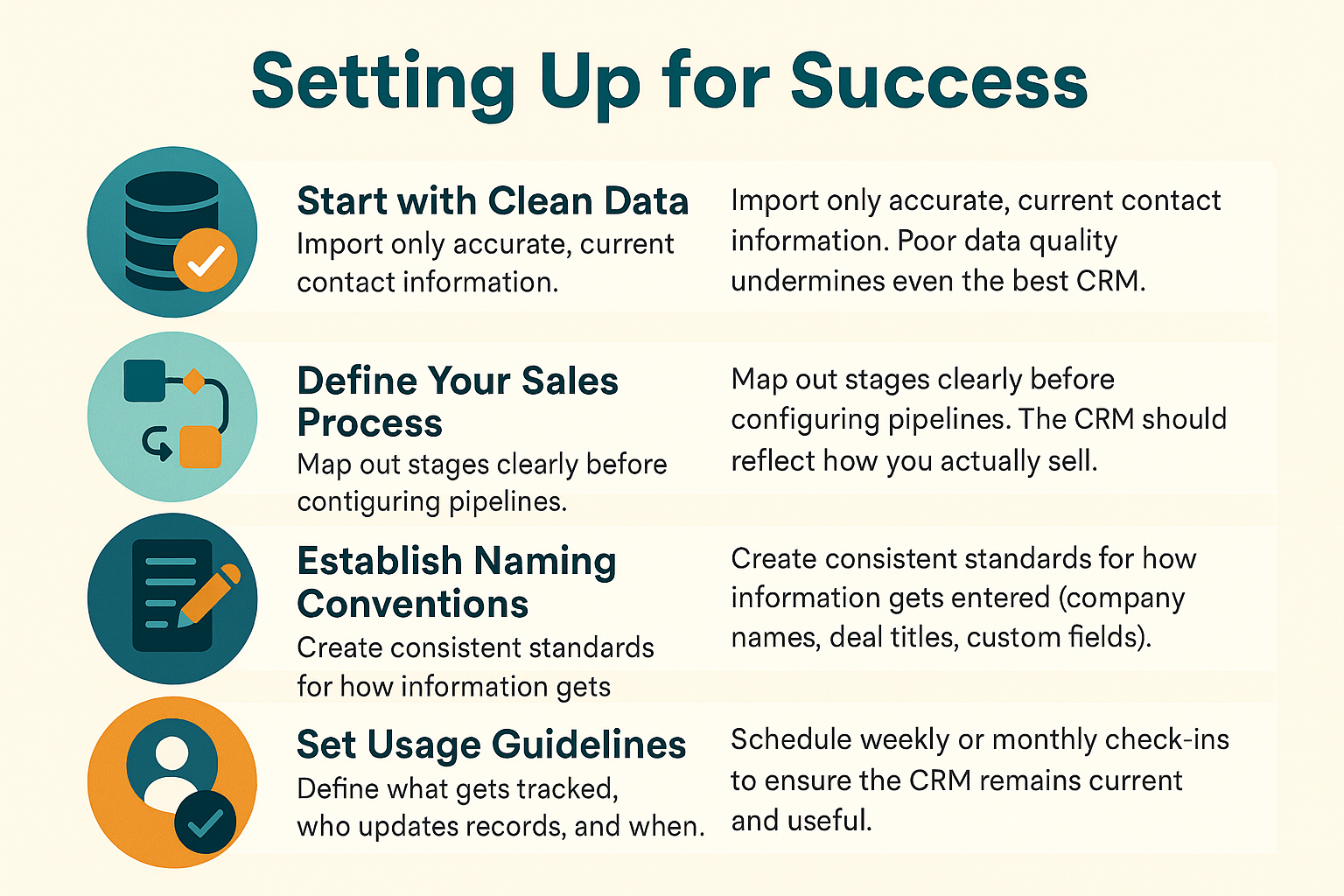
Start with Clean Data: Import only accurate, current contact information. Poor data quality undermines even the best CRM.
Define Your Sales Process: Map out stages clearly before configuring pipelines. The CRM should reflect how you actually sell.
Establish Naming Conventions: Create consistent standards for how information gets entered (company names, deal titles, custom fields).
Set Usage Guidelines: Define what gets tracked, who updates records, and when. Consistency matters more than perfection.
Plan Regular Reviews: Schedule weekly or monthly check-ins to ensure the CRM remains current and useful.
Common Pitfalls to Avoid
- Over-customization: Keep configurations simple initially. Add complexity only when genuinely needed.
- Inconsistent Usage: If only some team members use the CRM, data becomes fragmented and unreliable.
- Neglecting Mobile: Ensure the mobile experience works for your workflow, not just the desktop version.
- Ignoring Integrations: Leverage email, calendar, and other integrations to reduce manual data entry.
Frequently Asked Questions
Can free CRMs really handle business needs indefinitely?
Yes, for many businesses. Freelancers, solopreneurs, and small teams with straightforward sales processes often use free CRMs successfully for years. However, businesses with complex automation needs, large teams, or extensive reporting requirements typically outgrow free limitations.
What's the catch with free CRM software?
Free plans limit users, storage, or advanced features to encourage eventual upgrades. However, these aren't "bait-and-switch" tactics—free tiers provide genuine value. The limitation is functionality, not time.
Should I start with a free CRM even if I can afford paid options?
Starting free lets you learn CRM fundamentals and identify which features your team actually uses before investing. However, if you clearly need advanced capabilities from day one, paying immediately may prove more efficient than migrating later.
How difficult is migrating from a free CRM to a paid platform?
Difficulty varies by platform. Most CRMs offer data export capabilities, but custom fields, pipeline configurations, and automation rules typically require manual rebuilding. Staying within the same vendor (upgrading from free to paid tier) is simplest.
Do free CRMs provide customer support?
Support quality varies significantly. HubSpot, Freshsales, and Zoho offer help documentation and community forums on free plans. Phone or priority support typically requires paid tiers. Check specific vendor policies before committing.
Are free CRMs secure enough for customer data?
Reputable free CRM providers implement standard security measures (encryption, access controls, regular backups). However, free tiers may lack advanced security features like single sign-on, audit logs, or compliance certifications required in regulated industries.
Final Recommendations
For most small businesses: HubSpot CRM offers the most generous free tier with comprehensive features and unlimited users.
For simplicity seekers: Capsule or Streak provide streamlined experiences without overwhelming complexity.
For growing teams: Bitrix24's unlimited user allowance accommodates expansion without immediate costs.
For marketing-focused businesses: EngageBay or Agile CRM deliver automation capabilities typically locked behind paywalls.
The best free CRM is ultimately the one your team will actually use consistently. Start with a short list based on your requirements, test 2-3 options with real data, and involve your team in the final decision. A simpler CRM used religiously beats a feature-rich platform gathering dust.
Ready to get started? Choose one platform from this guide, import your first 50 contacts, and use it consistently for two weeks. You'll quickly discover whether it fits your workflow—and that hands-on experience beats endless comparison shopping every time.

.png)